Mazda BT‑50 Tech Drive: Windscreen Wiper Blade Replacement – Step-by-Step Guide
Step-by-step guide to replacing windscreen wiper blades on your Mazda BT‑50. Learn essential tips, tools, and maintenance for clear visibility.
Manufacturer announcement. This is the manufacturer’s announcement. It is separate from DriveAgent’s original reporting. How we source stories
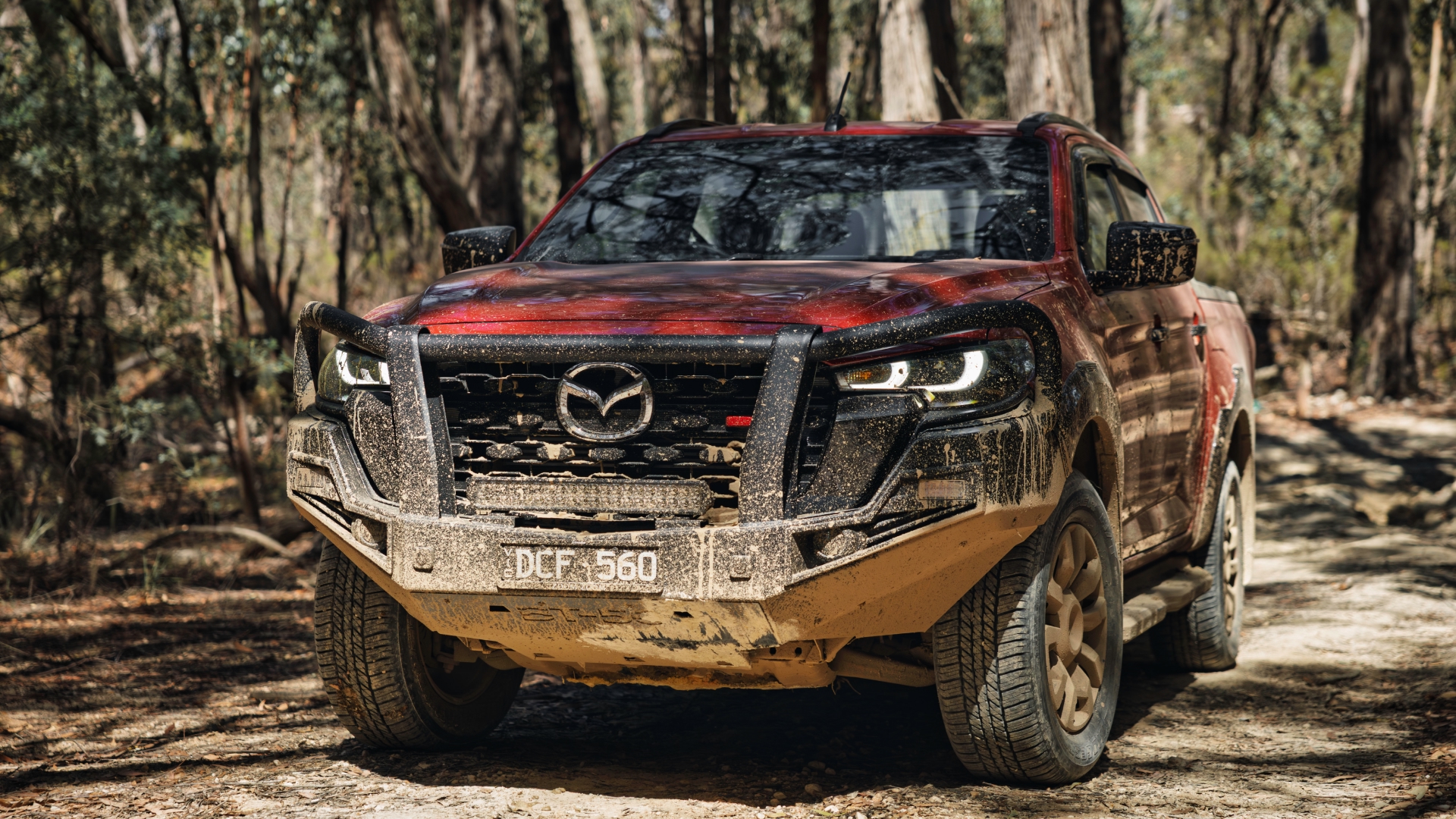

Mazda BT-50 Tech Drive
Windscreen Wiper Blade ReplacementKeeping a clear view is simple.
Here’s a riddle:
What’s black, made from rubber and fitted to the outside of your car? Oh, and they gradually wear out with time and use.
Give up?
If you said ‘tyres’, you’re right. Bonus points if you said ‘wiper blades’.
That’s right, the two perishable items that stare at you though the windscreen every time you get behind the wheel need the same care as the four bits of rubber that connect your car to the road.
As a weekday worker, family hauler and holiday adventurer, it’s important the wiper blades on your Mazda BT-50 ute always work effectively.
Click the video below to see how easy it is to change these simple but important rubber strips.
It’ll change your view about wiper blades.
Read transcriptMazda BT-50 Tech Drive: How to replace your own wiper blades Watch on YouTube
If you’re driving in particularly harsh conditions—whether it’s a lap around the country or a tour of the Top End—you may need to replace the wiper inserts sooner than the standard service schedule.
When replacing the wiper rubbers on the Mazda BT-50, you must put the vehicle into service mode. This information can be found in your owner’s handbook, but I’ll demonstrate it for you now.
First, ensure the bonnet is completely closed. Attempting this with the bonnet ajar risks damaging it if the wiper arm contacts the paint.
Next, make sure the wipers are turned off. Once confirmed, push the button and cycle the ignition switch to on and then off. Then, pull back on the washer switch. You’ll see the wiper arms move into the park position, which is known as service mode.
Raise the arm off the windscreen, release the locking tab, and you’re ready to replace the wiper blade. After installing the new blade and releasing the locking tab, pull gently on the arm to ensure it’s securely locked, then lower it safely back onto the windscreen.
Wiper arms will stay in service mode until you command them to operate normally. There’s a default 1-minute time in service mode, so if you change your mind, the wipers won’t operate for about one minute.
If you want to learn more tips for getting the most out of your ute, leave a comment below—and don’t forget to like and subscribe.
For the best performance from your wipers, be sure to use Mazda Genuine parts and accessories from your local Mazda dealer.
You can watch the rest of the Mazda BT-50 Tech Drive series here.
Explore Mazda BT-50Build Your Mazda BT-50 Categories: Mazda LifeMore Articles

17/08/2026
Mazda LifeMazda MX-5 GT RS: Tasmania West Coast Road TripRead more
14/08/2026
Mazda LifeMazda Tech Drive: What Is a Mild Hybrid (MHEV)?Read more
07/08/2026
Mazda LifeMazda CX-5 Tech Drive: Evolution of Kodo DesignRead more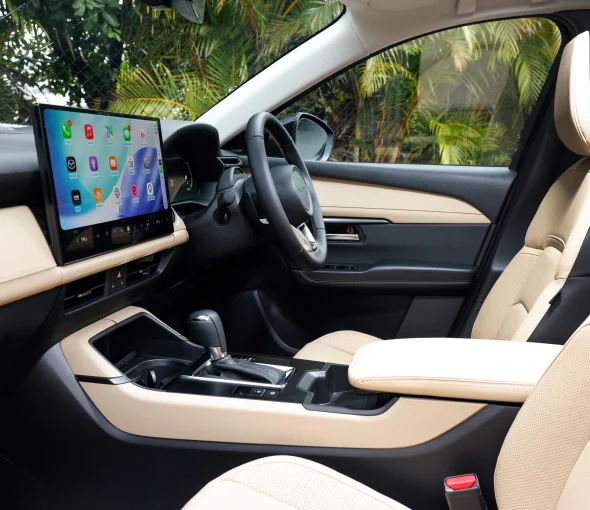
31/07/2026
Mazda LifeMazda CX-5 Tech Drive: Inside the CabinRead more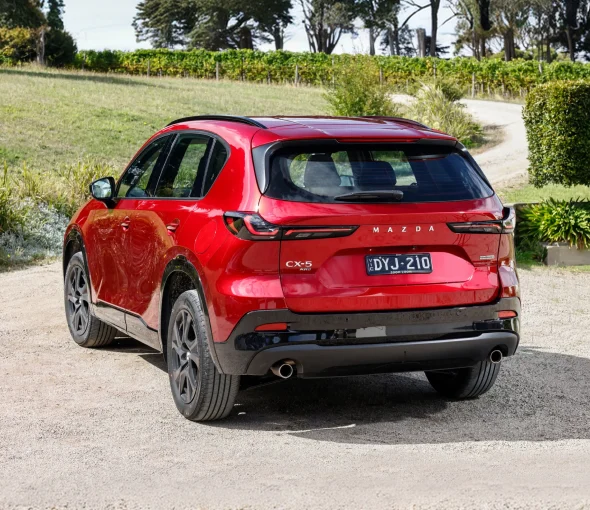
24/07/2026
Mazda LifeMazda CX-5 Tech Drive: Space and PracticalityRead more
23/07/2026
NewsMazda Large SUV Range: 2026 Pricing and Equipment Updates Read more
15/07/2026
Mazda Life7's Day 2026: Celebrating the Mazda RX-7Read more
13/07/2026
NewsAll-Electric Mazda 6e: Australia's Media VerdictRead more
09/07/2026
NewsMazda Assured: Guaranteed Future Value for EVsRead more
03/07/2026
NewsNext-Gen Mazda CX-5 Receives 5-Star ANCAP Safety RatingRead more
03/07/2026
Mazda LifeWork and Play: 20 Years of the Mazda BT-50Read more
01/07/2026
Mazda LifeMazda CX-90 Goes Round the TwistRead moreMore Mazda announcements
View all →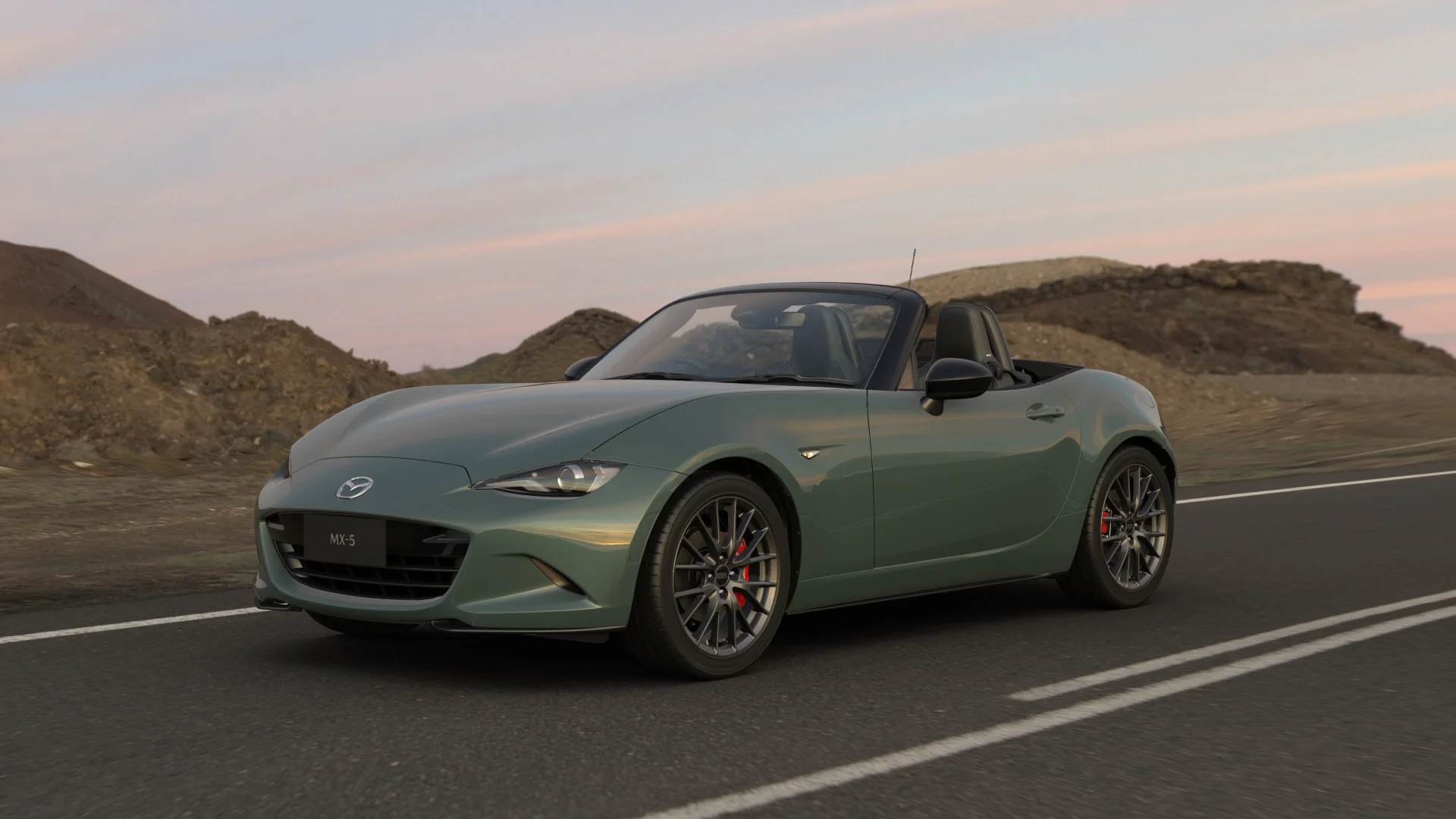
Mazda · Manufacturer news
2026 Mazda MX-5 Update | Mazda Australia
The 2026 Mazda MX-5 arrives with new Zinc Green Metallic paint, standard RECARO seats on the GT RS, and upgraded AEB. Available to order now.
Mazda · Manufacturer news
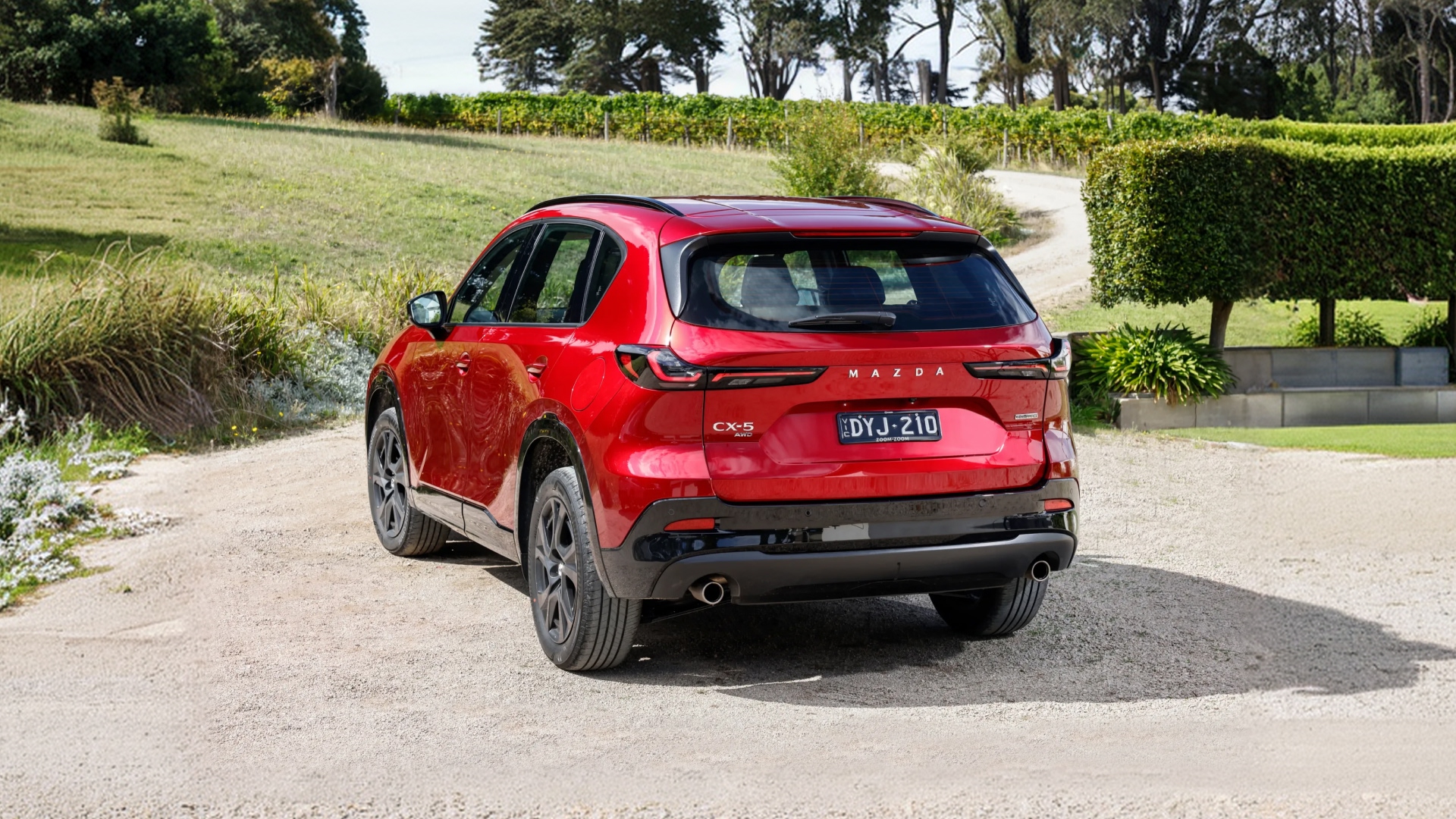
New Mazda CX-5 Space & Practicality | Tech Drive
How much can the next-generation Mazda CX-5 really carry? Explore the space, comfort and clever practicality behind Australia's favourite SUV.
Mazda · Manufacturer news
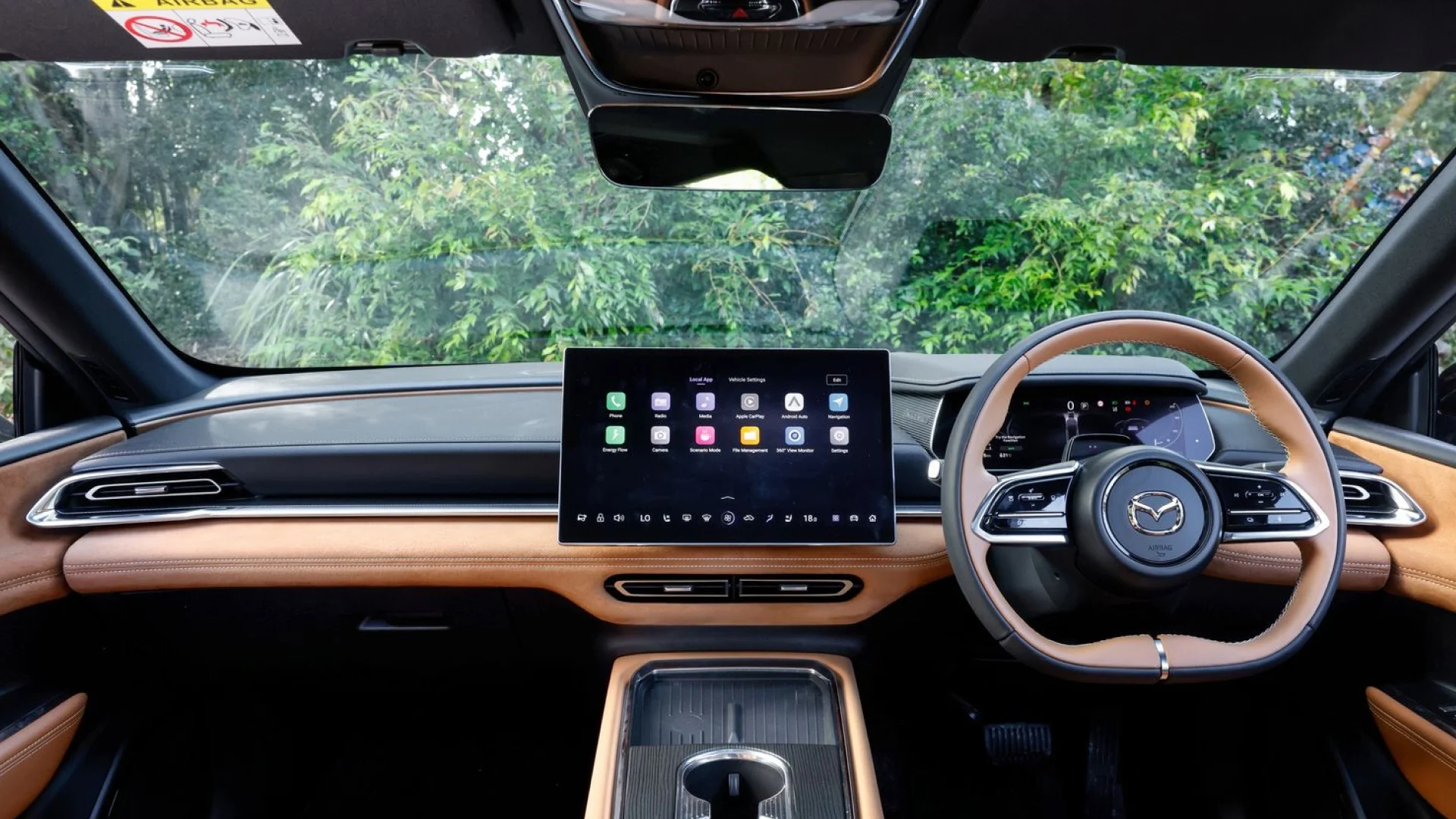
Mazda 6e HMI: Shortcuts & Voice Control | Tech Drive
Make the Mazda 6e your own. See how to program the steering wheel shortcut buttons and use 'Hi Mazda' voice control to reach your favourite functions.